
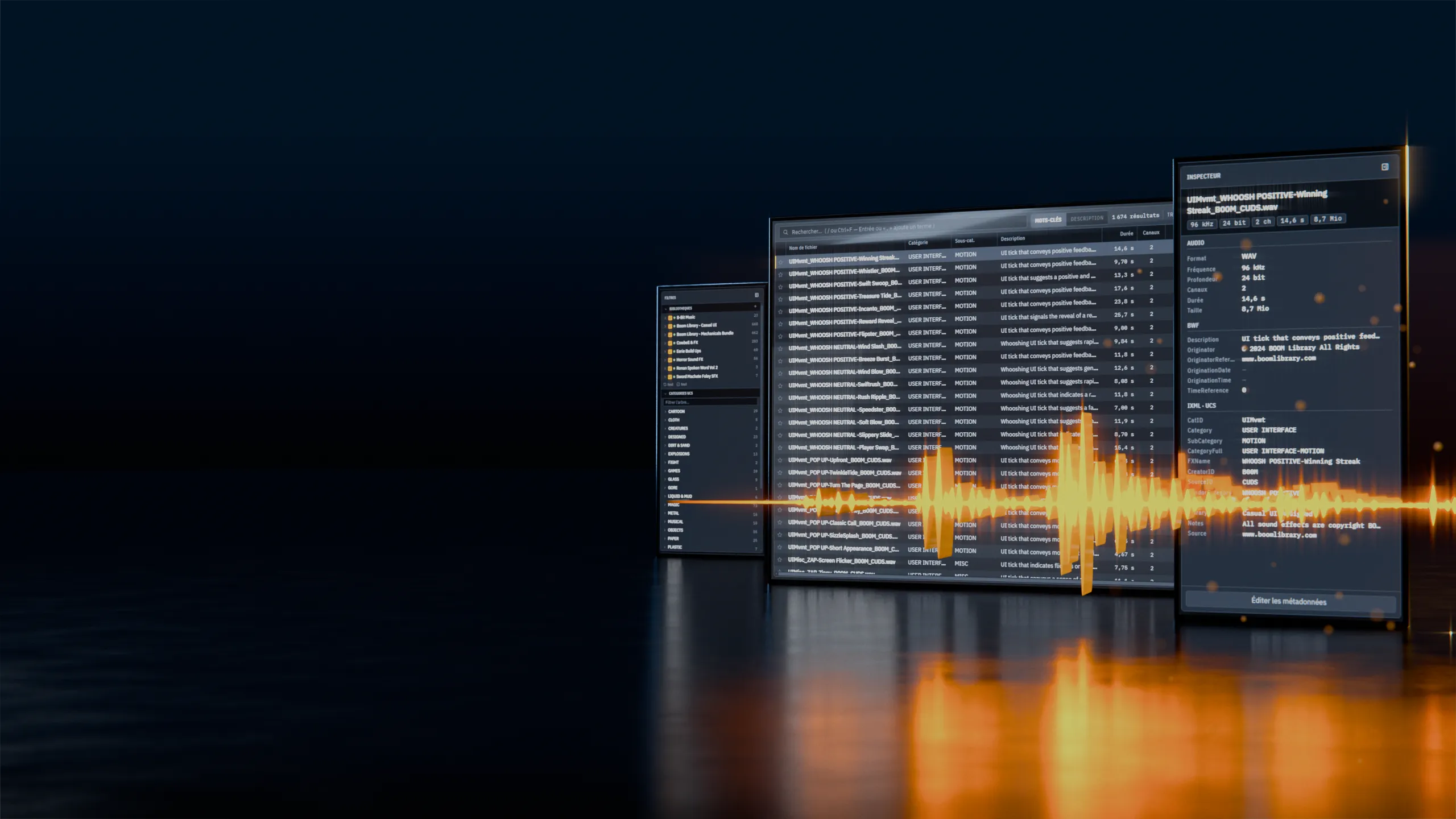
Find it, drag it without a single export
From search to timeline, without ever leaving Sift.
The whole path of a sound, in one window.
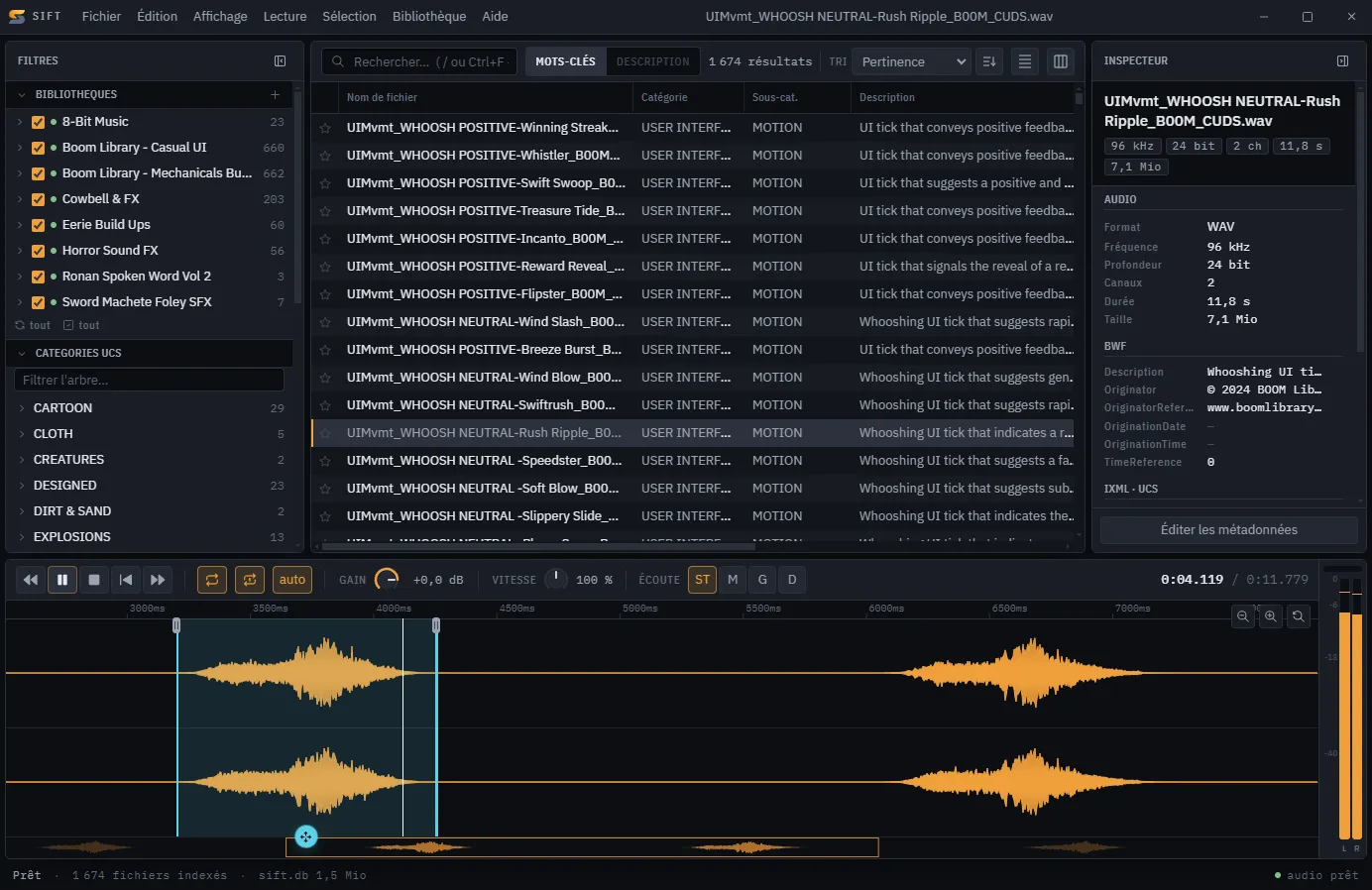
Scroll to see the detail
A gesture, not an export.
Sift drops a file. Anything that takes a file takes Sift.
- 01
Search
Just type. The results follow.
- 02
Select
On the waveform, down to the transient.
- 03
Drag
The cut is made on drop, right where your project needs it.
The count lands before you do.
Your whole library, filtered by folder and by UCS category.
Zoom in to the transient.
The display keeps up, however long the file is.
The tag travels with the file.
Edit in batches, rename to the UCS convention. Written into the file, not beside it.
One price, once.
Sift licence
€29.99
One-time payment · perpetual licence
The store opens soon.
What's included
- All of Sift, with no time limit
- Every machine you work on, no reactivation
- Professional and studio use included
- Updates within the current branch
- No subscription, no renewal
What people ask.
Can I try it before buying?
Yes. Download Sift and use it for 30 days, all of it: this is not a cut-down version, and there is nothing to hand over to start — no account, no address.
What happens after 30 days?
A licence key unlocks the machine. Your index, your favourites and your collections stay exactly where they are.
Can I install it on several machines?
Yes. The licence covers the machines you work on, with no activation to request and no seats to count.
Does Sift modify my files?
Never when you cut: Sift makes a new file and leaves the original alone. Metadata editing does write into files — that's the point — and you trigger it yourself.
Does any of my data leave the machine?
No. No account, no tracking, no usage statistics. Your library stays on your machine; Sift asks the internet only whether your licence is valid and whether a newer version exists.